
Kitchfit
Train · Eat · Cook
Lift it. Cook it.
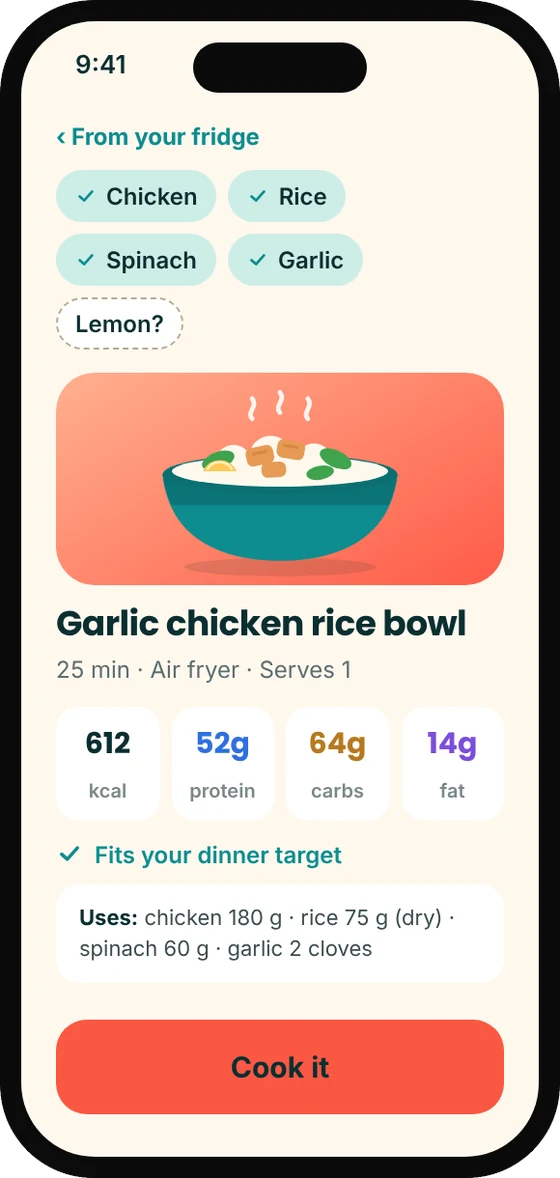
In development Training and food logging run in our test builds today. Cooking from what is in your fridge is being built.
Not on the App Store or Google Play yet. Store links will appear here at launch.
About the app
Your coach for the gym and the kitchen.
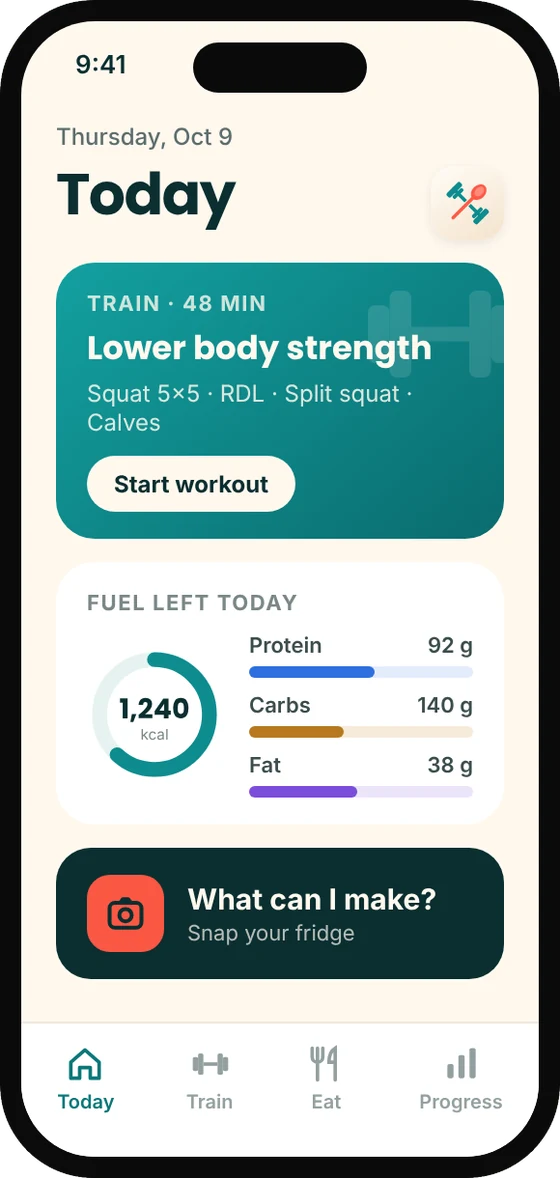
Most fitness apps handle the workout or the food. Kitchfit puts both on one screen, because what you eat and how you train only make sense together. Answer ten questions and it builds a training week around your schedule, equipment and aches, plus daily calorie and macro targets for the goal and pace you choose.
From there it adjusts as you log. Hit the top of your reps and it offers a heavier weight rather than forcing one. Report a sore knee and tomorrow’s session works around it. Every recommendation has a “Why this?” you can open.
Kitchfit is a wellness app for adults. It is not a medical device and does not give medical advice.
Features
What it does
A plan built from ten questions
Goals, schedule, equipment, experience, injuries and food preferences go in. A full training week and daily calorie, protein, carb and fat targets come out.
Safety first, by design
A short health check runs before any plan is built. If your answers suggest seeing a doctor first, Kitchfit says so instead of handing you a workout.
Weights go up when you are ready
Log your sets and how many more you could have done. When you have earned it, the app asks “Ready for 140 lb?” It never raises a weight on its own.
It listens when something hurts
Report pain mid-workout and the plan eases or swaps the exercises that load that area. A morning check-in for sleep, stress and soreness shapes the day’s session.
Food logging that stays quick
Search foods, scan a barcode or quick-add calories and macros. Frequent and recent foods are a tap away, and yesterday’s lunch can be copied in one go.
Targets that learn
After a few weeks of logging, calorie targets adjust to how your weight is actually trending, in small weekly steps and never below a safety floor.
A look inside
See Kitchfit
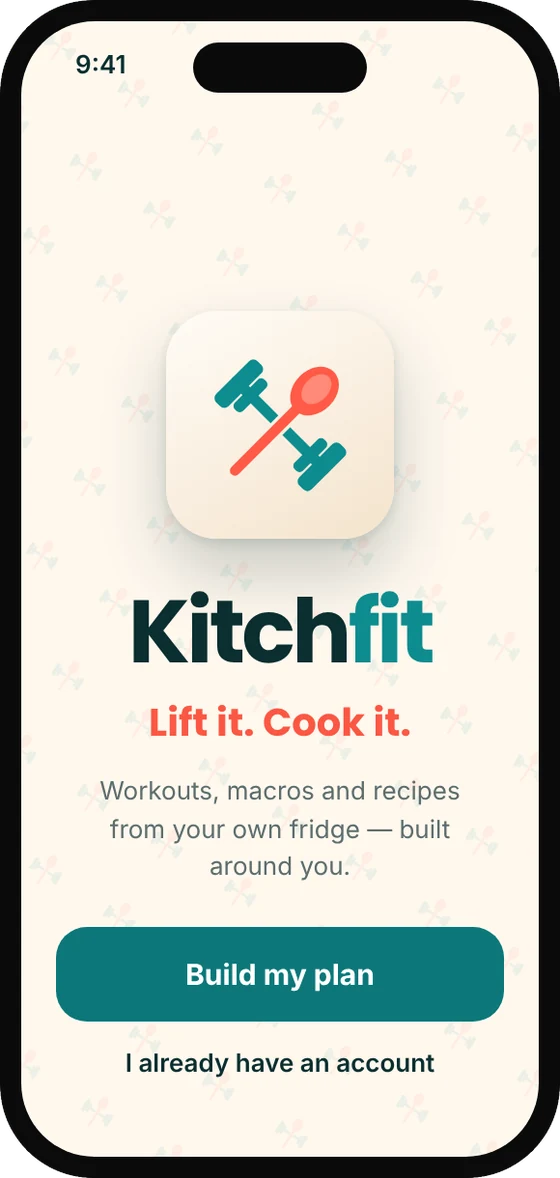
Design mockups from the Kitchfit brand board. Store screenshots will be captured from the release build.
Privacy
Your health data stays yours
- You can try Kitchfit without an account. Signing in with an emailed code is optional and saves your plan and history.
- Health details are saved to your account only after a separate consent, and you can delete your account and everything in it from inside the app.
- No advertising identifiers and no tracking across other apps. Data is never sold or shared for advertising.
- Kitchfit will publish its own detailed privacy policy before it reaches the stores.
Want to try Kitchfit early?
Join the early-access list for adults in the United States. Send a short note and we will write back when a test build opens up.